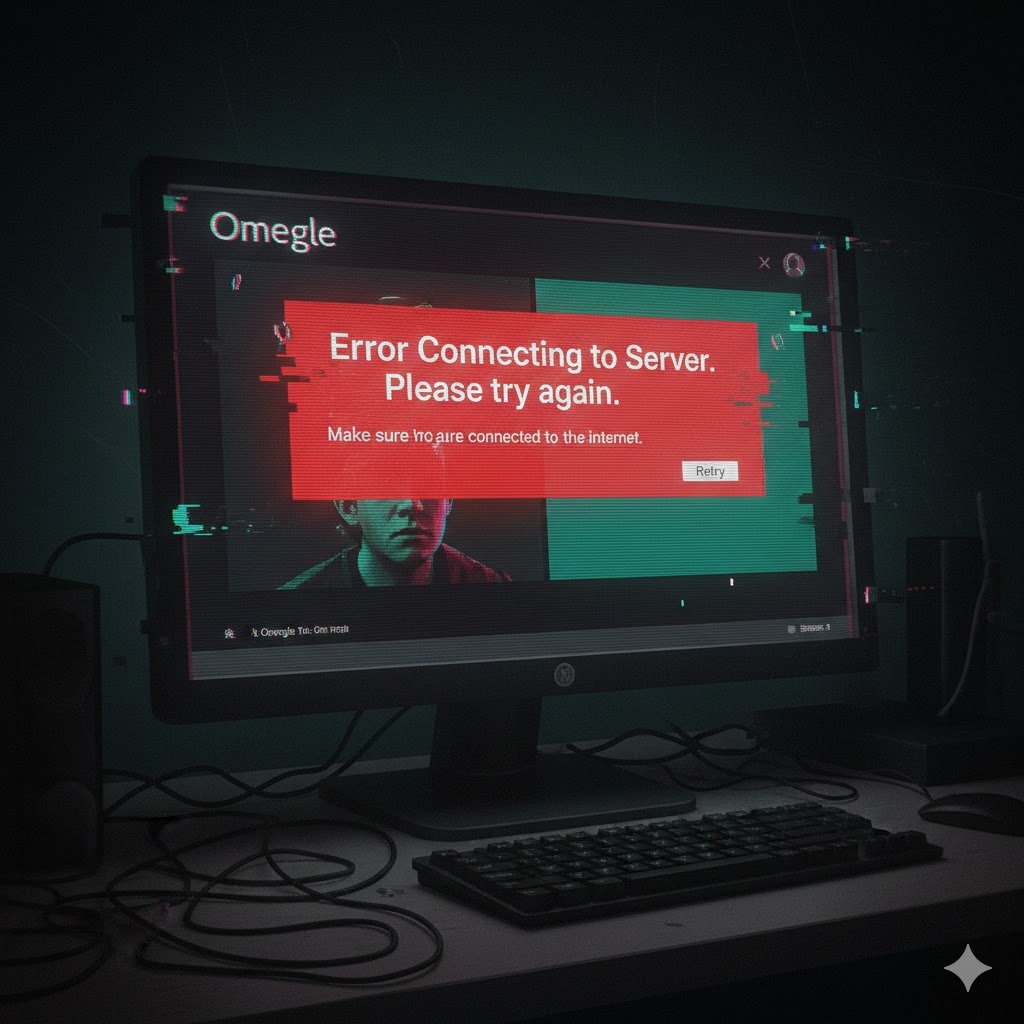

Picture this: you’re ready for a random chat on Omegle, excitement buzzing, and suddenly you’re hit with the dreaded “Omegle error connecting to server” message. Frustrating, right? It’s like waiting for a friend who never shows up. This error interrupts your experience and leaves you staring at a blank screen, wondering what went wrong.
So why does it happen, and how can you fix it fast? This article dives into all the possible causes from network issues to server outages while offering practical solutions, preventive measures, and expert tips to keep your chats flowing. No more guessing or endless refreshing.
What is the Omegle Error Connecting to Server?
The Omegle error connecting to server occurs when your device cannot establish a connection with Omegle’s servers. Simply put, your request to start a chat is blocked or interrupted. Unlike minor glitches that allow you to reload and continue, this error stops communication entirely, making it impossible to begin a conversation until the underlying issue is resolved.
Understanding why it happens is the first step toward troubleshooting it effectively.
Main Causes Behind the Error
Several factors can trigger the Omegle error connecting to server. Knowing the cause helps you find the right solution faster.
Server Problems
Sometimes the issue isn’t on your side. Omegle’s servers can experience downtime due to maintenance, upgrades, or unexpected traffic spikes. If the server is overwhelmed, your connection request may fail, triggering the error message.
Internet Connection Issues
Omegle requires a stable and relatively fast internet connection. Slow Wi-Fi, intermittent mobile data, or network interruptions can prevent your device from connecting to the server, resulting in the same error.
Browser or Device Issues
Outdated browsers, corrupted cache files, or conflicting extensions can interfere with Omegle’s ability to connect. Even if your internet works fine elsewhere, these local issues may block server access.
VPN, Proxy, or Firewall Restrictions
VPNs and proxies can sometimes disrupt Omegle’s server connection, while strict firewall or antivirus settings may mistake Omegle for a threat, cutting off communication.
IP Restrictions
Repeated violations of Omegle’s rules or suspicious activity can lead to temporary IP bans, preventing you from connecting to the servers.
How to Fix the Omegle Error Connecting to Server
Here’s a step-by-step approach to troubleshoot the issue:
1. Check Your Internet Connection
Ensure your network is stable. Restart your router or switch networks if necessary. Even a brief disconnection can cause Omegle to fail.
2. Refresh the Browser
Close and reopen your browser or refresh the page. Sometimes a simple reload resolves minor connection hiccups.
3. Clear Cache and Cookies
Old cache files can block server access. Clear your browser’s cache and cookies to ensure Omegle loads correctly.
- Open your browser settings
- Locate the privacy or history section
- Clear cache and cookies for all time
4. Disable VPN or Proxy
Temporarily turn off VPNs or proxies to see if they’re causing the problem. Omegle often works best on direct connections.
5. Update or Change Browser
Use the latest version of Chrome, Firefox, or Edge. If the error persists, try a different browser to rule out compatibility issues.
6. Check Firewall and Antivirus Settings
Make sure Omegle is not blocked by security software. Temporarily disabling firewalls or adjusting antivirus settings can help identify the cause.
7. Test on Another Device
If possible, try Omegle on a phone, tablet, or another computer. This helps determine if the problem is device-specific.
Preventive Tips to Avoid the Error
Once you’ve fixed the connection, these steps can help prevent future interruptions:
- Use a stable Wi-Fi or high-speed internet
- Keep your browser updated and clear cache regularly
- Avoid using multiple VPNs or overly restrictive proxies
- Respect Omegle rules to prevent IP bans
- Limit browser extensions while using Omegle
FAQs About Omegle Error Connecting to Server
Why does Omegle show the error even with a good internet connection?
Even with a stable connection, browser issues, cached data, or Omegle server problems can block your access.
Can using a VPN fix the issue?
Sometimes a VPN can bypass IP restrictions, but it can also cause connection failures. Test both with and without the VPN.
How long does it take for Omegle server errors to resolve?
Server-side errors are usually temporary. Most downtime lasts between a few minutes to a couple of hours.
Is the error permanent?
No. Permanent issues are rare and usually indicate an IP ban or repeated violations. Most errors are temporary and fixable.
Does Omegle offer support for connection errors?
Omegle does not have formal customer support, so self-troubleshooting using network and browser adjustments is the primary solution.
Conclusion
The Omegle error connecting to the server can be frustrating, but it is rarely permanent. Most issues stem from network instability, browser glitches, or server-side problems. By checking your internet, updating your browser, disabling VPNs, and clearing cache, you can usually resolve it quickly. Following preventive tips helps minimize future interruptions and ensures smoother chats. With the right steps, you can enjoy Omegle without unexpected errors disrupting your experience.